
Connect barcode scanner apps to PostgreSQL
StepVane connects to PostgreSQL from the server PC. Pull rows into lookup tables the handhelds carry, and write what workers capture back to a table, without exposing the database to the handhelds.
How it works
Connection in one form
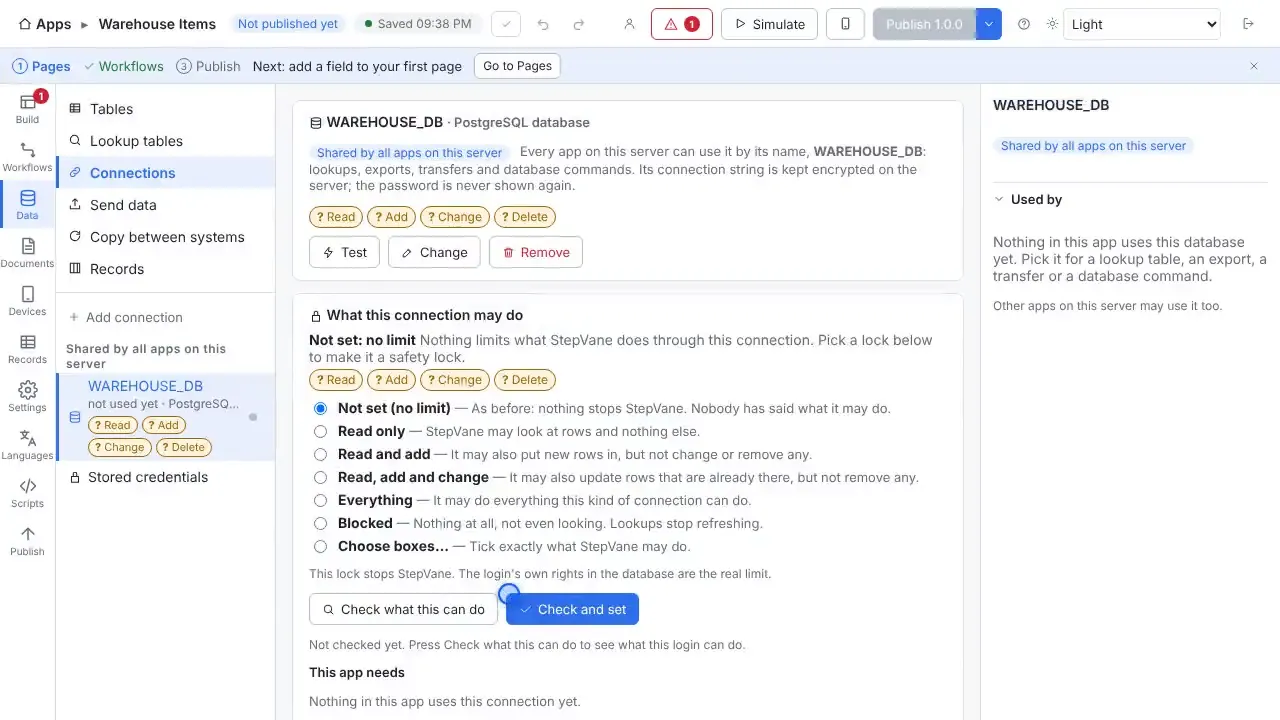
Choose PostgreSQL, enter the server address, port, database name, user name and password, and press Test connection before you save.
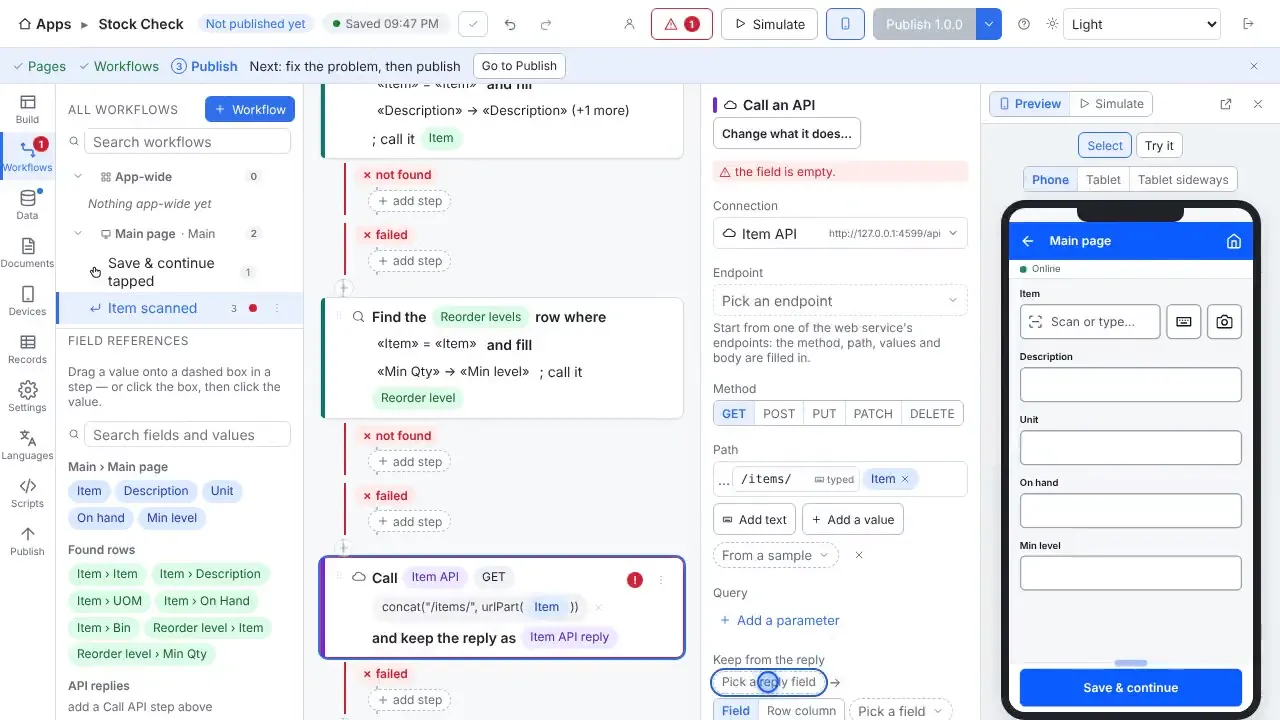
Pull data with a query
A SELECT query becomes a lookup table. The server checks the database on a schedule and every handheld keeps a copy for offline scanning.
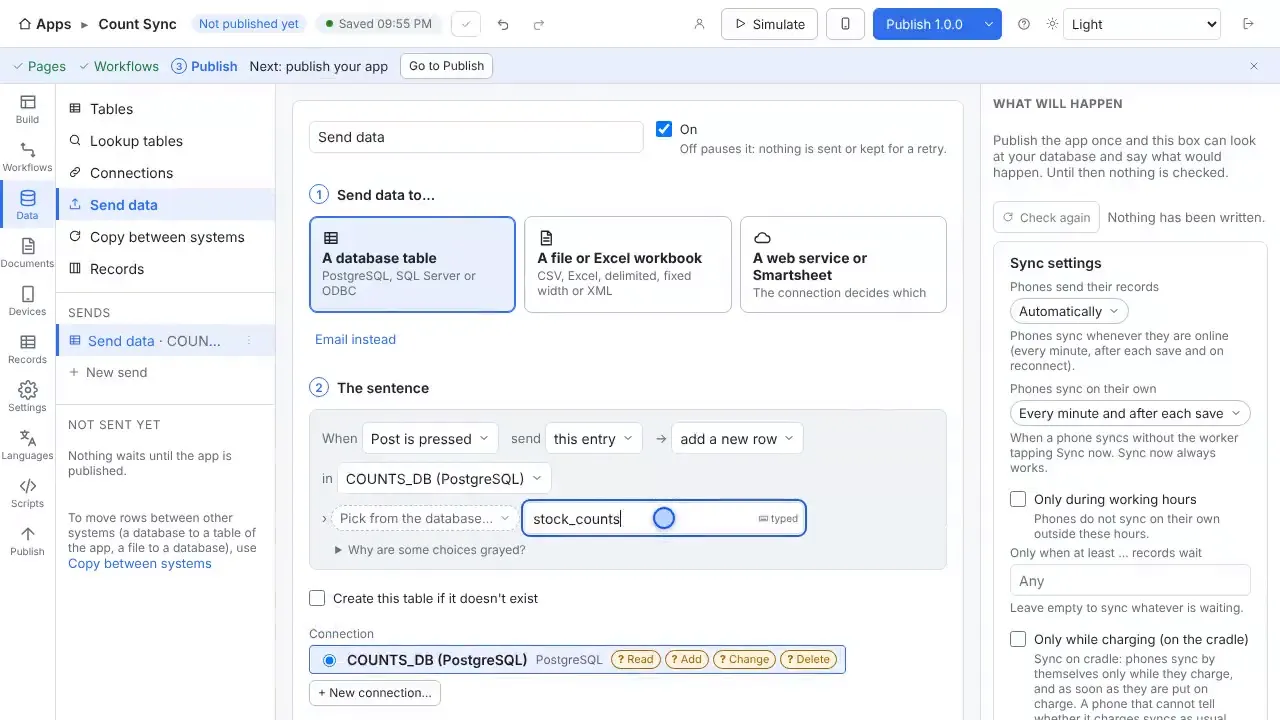
Write records to a table
Send data adds a new row to a table for each record, matching columns by name.
Credentials stay on the server
The password is encrypted on the server and never shown again. Handhelds never see a query or a connection string.
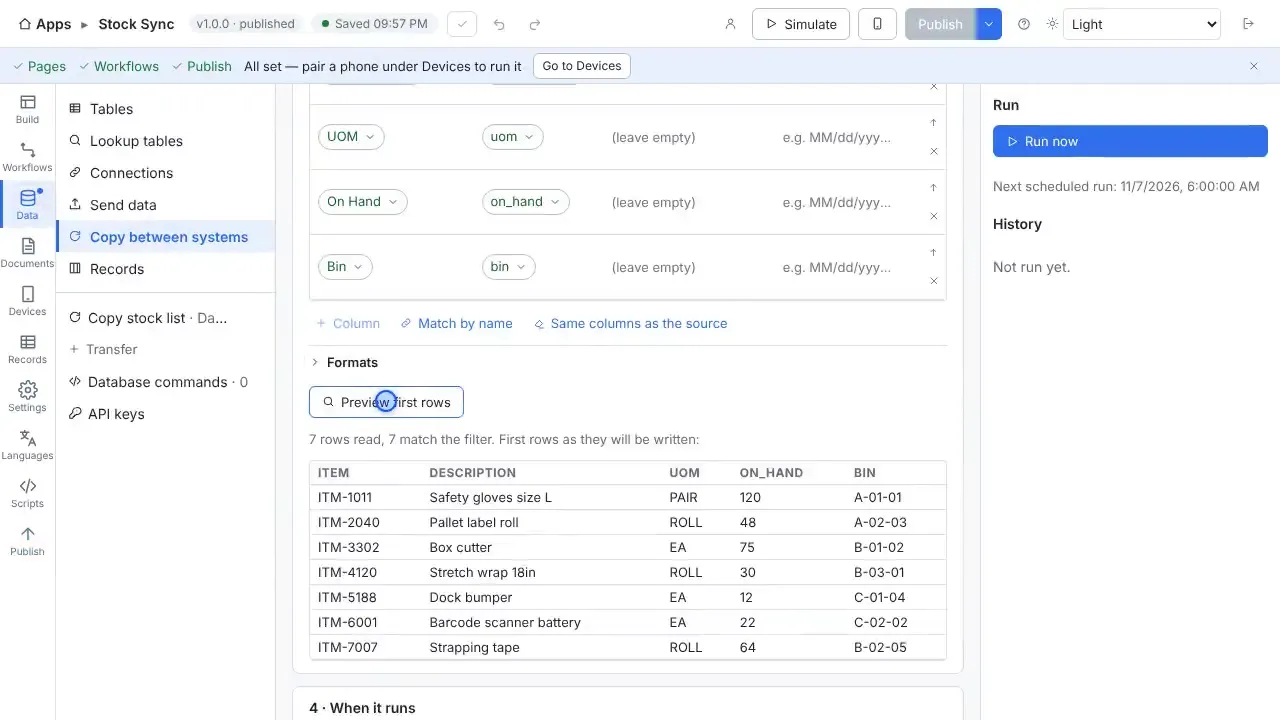
Copy on a schedule
Copy between systems moves rows between PostgreSQL and the app's tables on a schedule.
Questions
- Do I need to open my database to the internet?
- No. The StepVane server on your own network connects to the database, and the handhelds sync with the server.
- Can I use a read-only login?
- Yes, for lookup tables. Use a separate login with insert rights for a table you write to.
- Does it work without Wi-Fi?
- Yes. Work is saved on the handheld first and uploads when the server can be reached again. The worker sees how much is waiting, and lookup tables stay on the device so scans are still checked against your data.
- Do I need a cloud account?
- No. The Windows PC that runs StepVane is the server, and the handhelds sync with it over your own network. There is no StepVane cloud account to create.
Watch how it is set up
Other integrations
Start with one device today
Free for Studio, one handheld and one worker. No cloud account, no credit card.