
Solution
Barcode inventory count app for Android handhelds
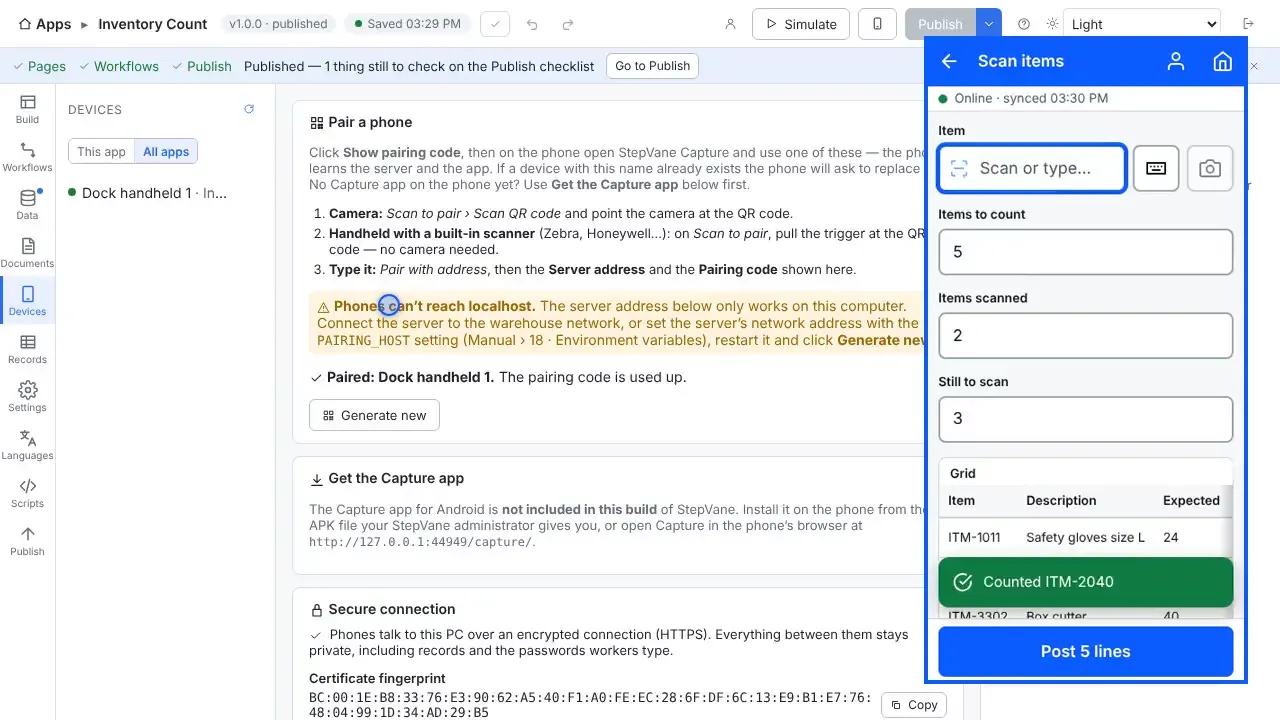
Scan a location, then each item there, and enter how many you counted. StepVane gives you a working Inventory Count app to start from, and you change it in a point-and-click designer.
How the worker uses it
- The worker picks or scans a location.
- They scan each item at that location and enter the quantity counted.
- Every count is saved on the handheld first, so a dead spot on the floor does not stop the count.
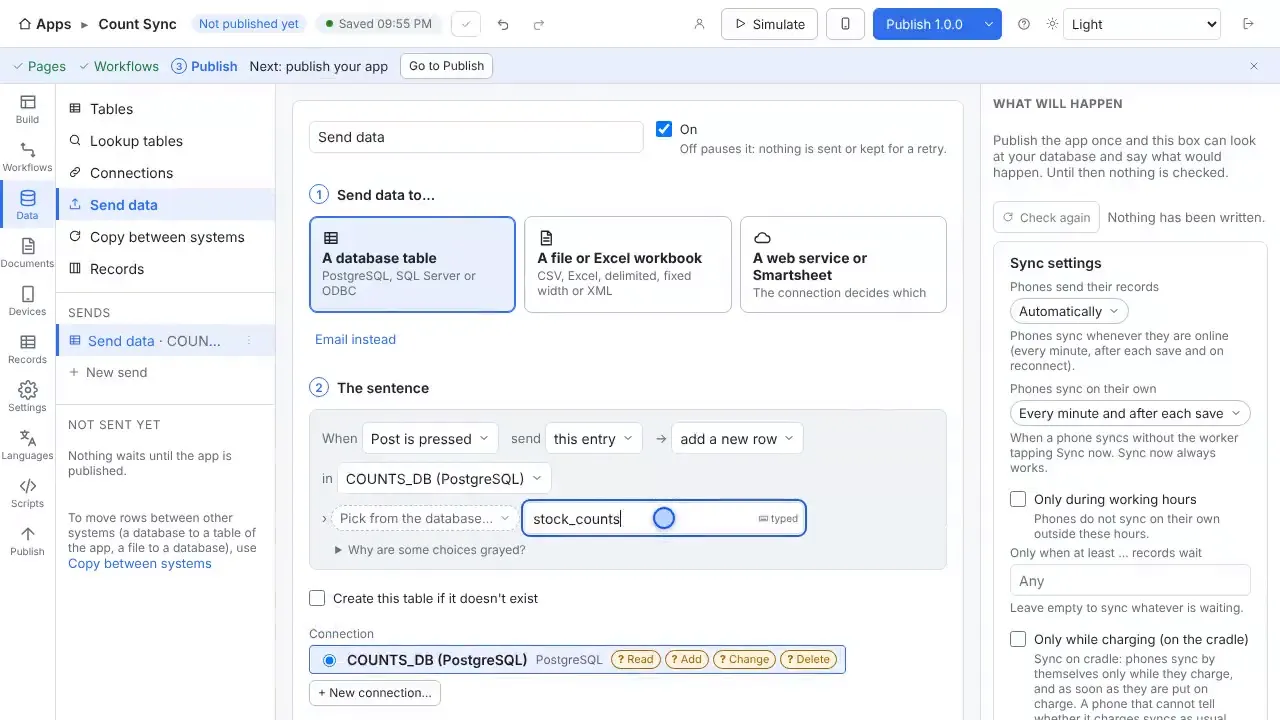
- When the handheld reaches the server, the counts upload to Records, and can be written to an Excel workbook, a database table or your API.
What you can change, without writing code
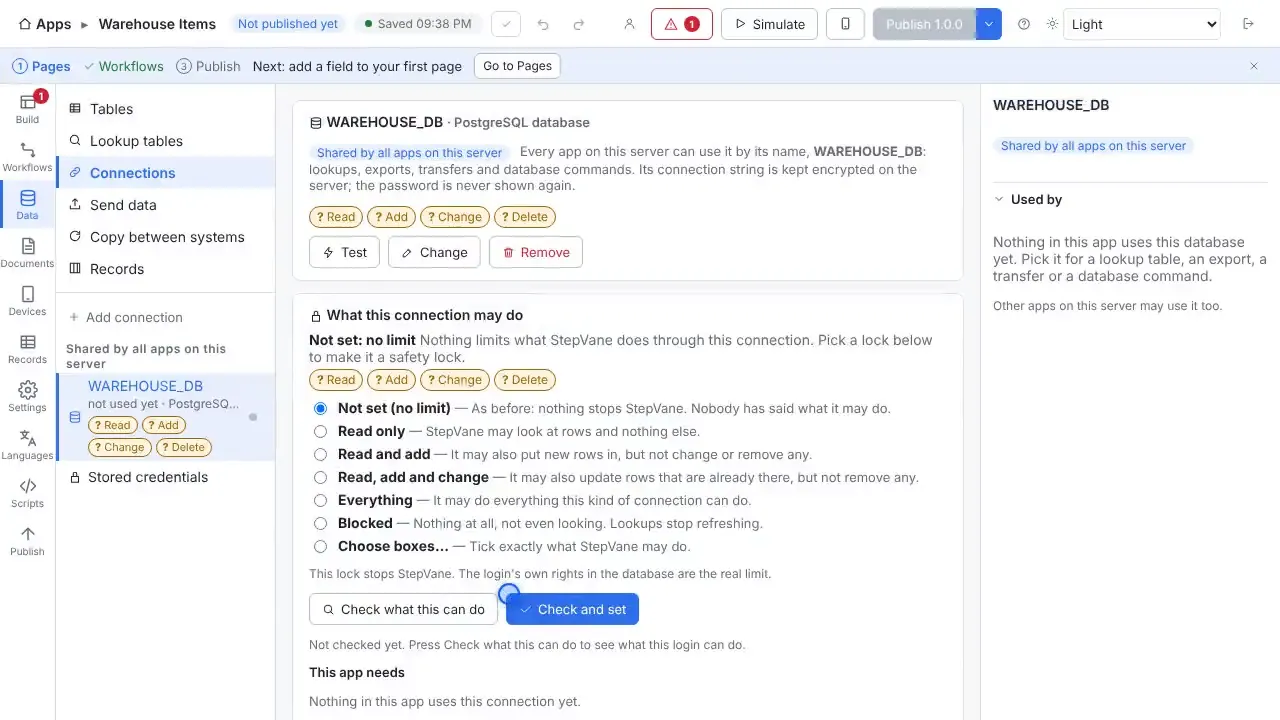
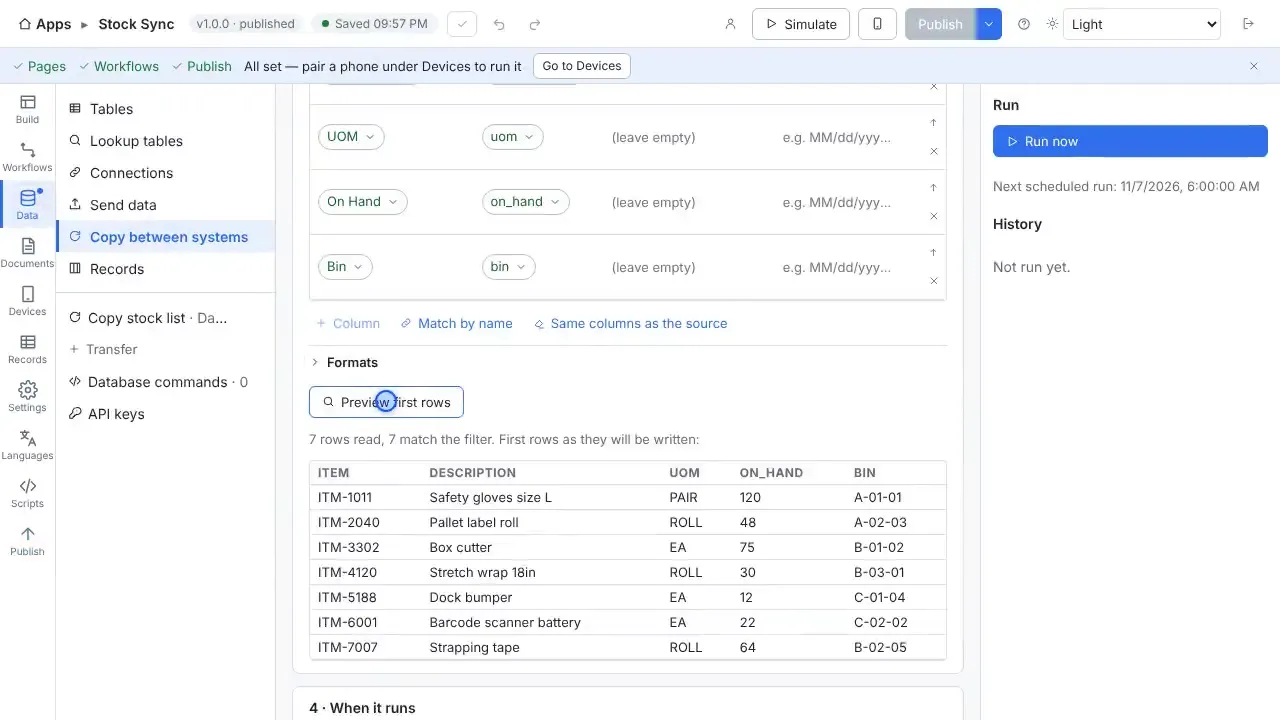
- Load the expected stock for a site from a database or spreadsheet, so the screen shows what is counted and what is still to scan.
- Check each scan against the barcode types you allow, including GS1 labels.
- Add a PIN login so every count carries the operator who made it.
- Post a whole count in one request to your own API endpoint, shaped the way that endpoint expects.
Your data
Start from the ready-made Inventory Count app with sample items and locations, then point it at your own spreadsheet, CSV file or database. Every feature is included, and the first handheld and worker are free.
Questions
- Can the app show what has and has not been counted?
- Yes. The walkthrough video builds exactly that: the app loads a site's stock, every scan changes the counts, and one tap posts the whole count.
- Where do the counts go?
- To Records in Studio, and to wherever you send them: an Excel workbook, a CSV file, a database table, Smartsheet or a web API.
- Does it work without Wi-Fi?
- Yes. Work is saved on the handheld first and uploads when the server can be reached again. The worker sees how much is waiting, and lookup tables stay on the device so scans are still checked against your data.
- Do I need a cloud account?
- No. The Windows PC that runs StepVane is the server, and the handhelds sync with it over your own network. There is no StepVane cloud account to create.
- What does it cost?
- Studio, the server, one handheld and one worker are free, with every feature included. After that a license is $200 per device per year or $100 per worker per year. See the pricing page for how to choose.
Watch how it is built
Connects to
Other solutions
Start with one device today
Free for Studio, one handheld and one worker. No cloud account, no credit card.