
Solution
Put-away and location move app with both locations checked
Scan an item or pallet, then say where it is and where it goes; both locations are checked. Start from the Put-away / Location Move app and adjust it to your layout.
How the worker uses it
- The worker scans the item or pallet.
- They scan or choose the location it is in now.
- They scan or choose where it is going.
- Both locations are checked against your list of locations before the move is saved.
What you can change, without writing code
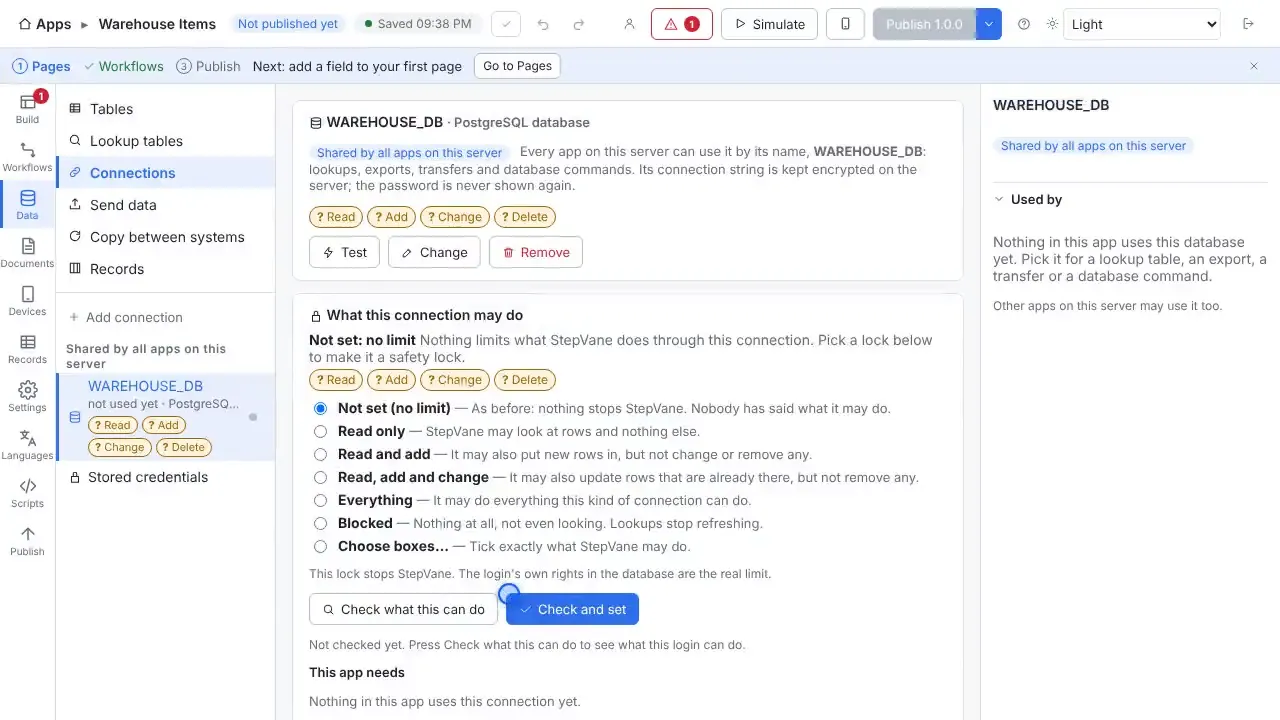
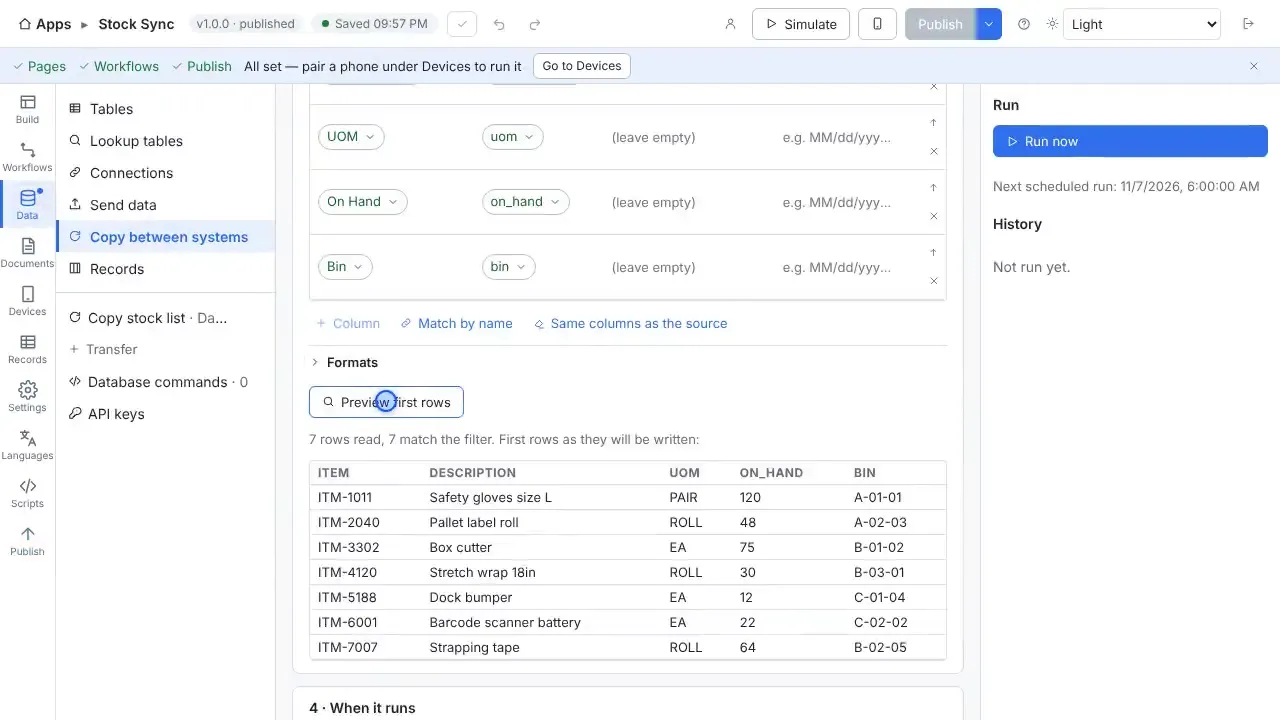
- Keep your location list in a spreadsheet, a database table or a web API, and refresh it on a schedule.
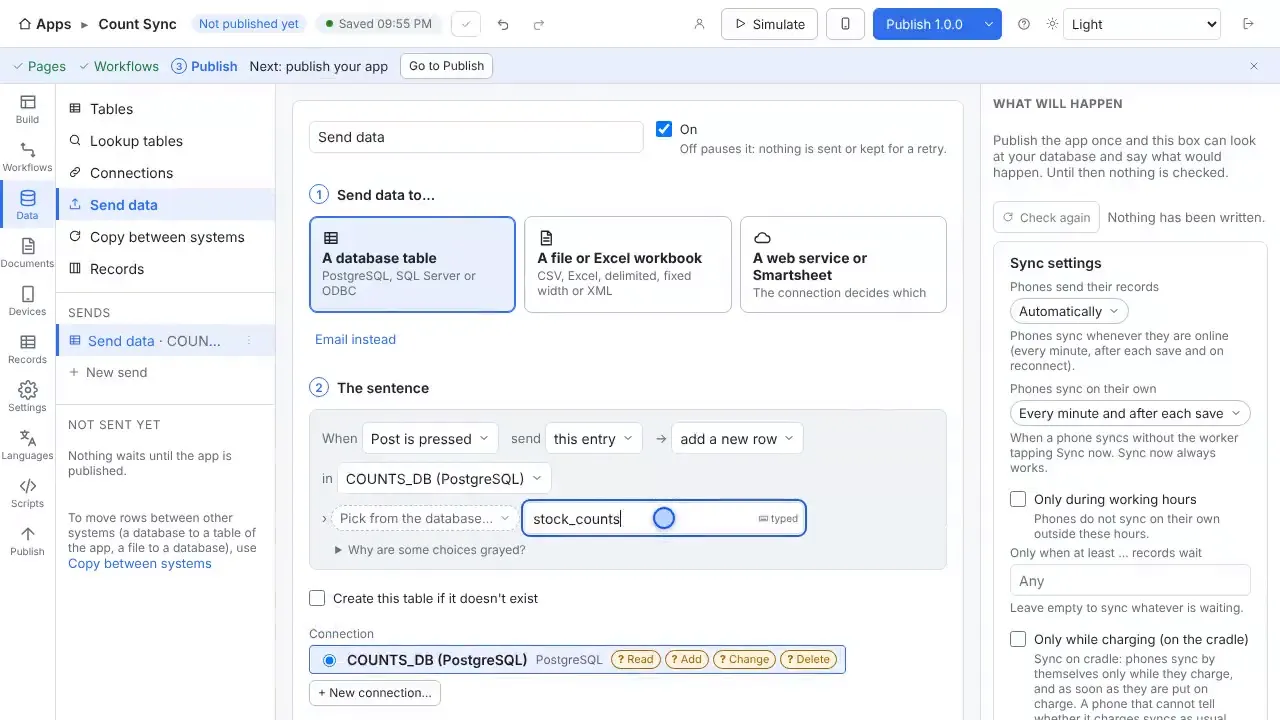
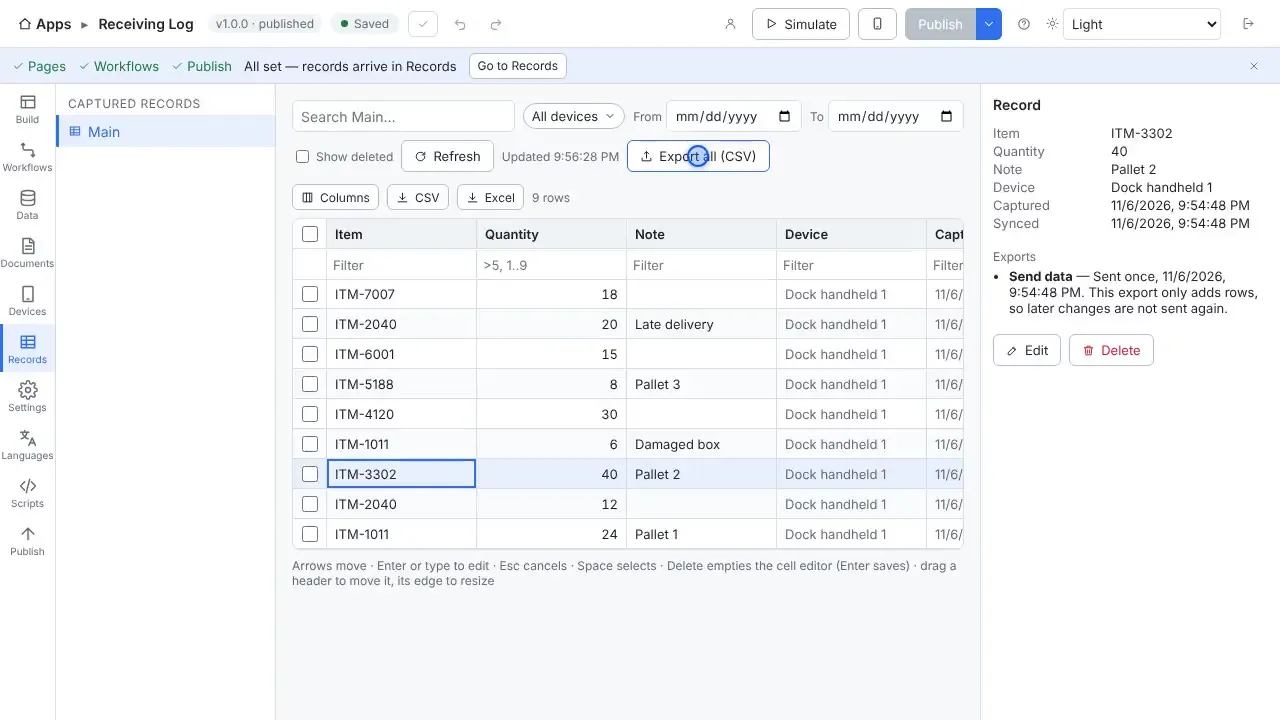
- Send each move to a table, a file or your system the moment the handheld syncs.
- Add a photo or a note to a move when you need one.
Your data
The starter app reads sample items and locations from spreadsheets. Every feature is included, and the first handheld and worker are free.
Questions
- Does it work without Wi-Fi?
- Yes. Work is saved on the handheld first and uploads when the server can be reached again. The worker sees how much is waiting, and lookup tables stay on the device so scans are still checked against your data.
- Do I need a cloud account?
- No. The Windows PC that runs StepVane is the server, and the handhelds sync with it over your own network. There is no StepVane cloud account to create.
- What does it cost?
- Studio, the server, one handheld and one worker are free, with every feature included. After that a license is $200 per device per year or $100 per worker per year. See the pricing page for how to choose.
Watch how it is built
Connects to
Other solutions
Start with one device today
Free for Studio, one handheld and one worker. No cloud account, no credit card.